

CRM software for trades earns its keep by doing four jobs without you: telling you which quotes to call today, chasing the rest on a schedule, catching the card that bounced, and asking every happy customer for a review. Storing names and phone numbers is the least important thing it does. Most small contractors either never set one up, or set one up and use it as an expensive phone book.
We know this because we pull the records. Below is what one company we work with, a landscaping and snow company in Connecticut, had sitting in its own software: six months of quotes, a full season of payments, and every customer who stopped buying. Each number points at one job a CRM should be doing.
Our read: a CRM is only worth what it does when you are not looking
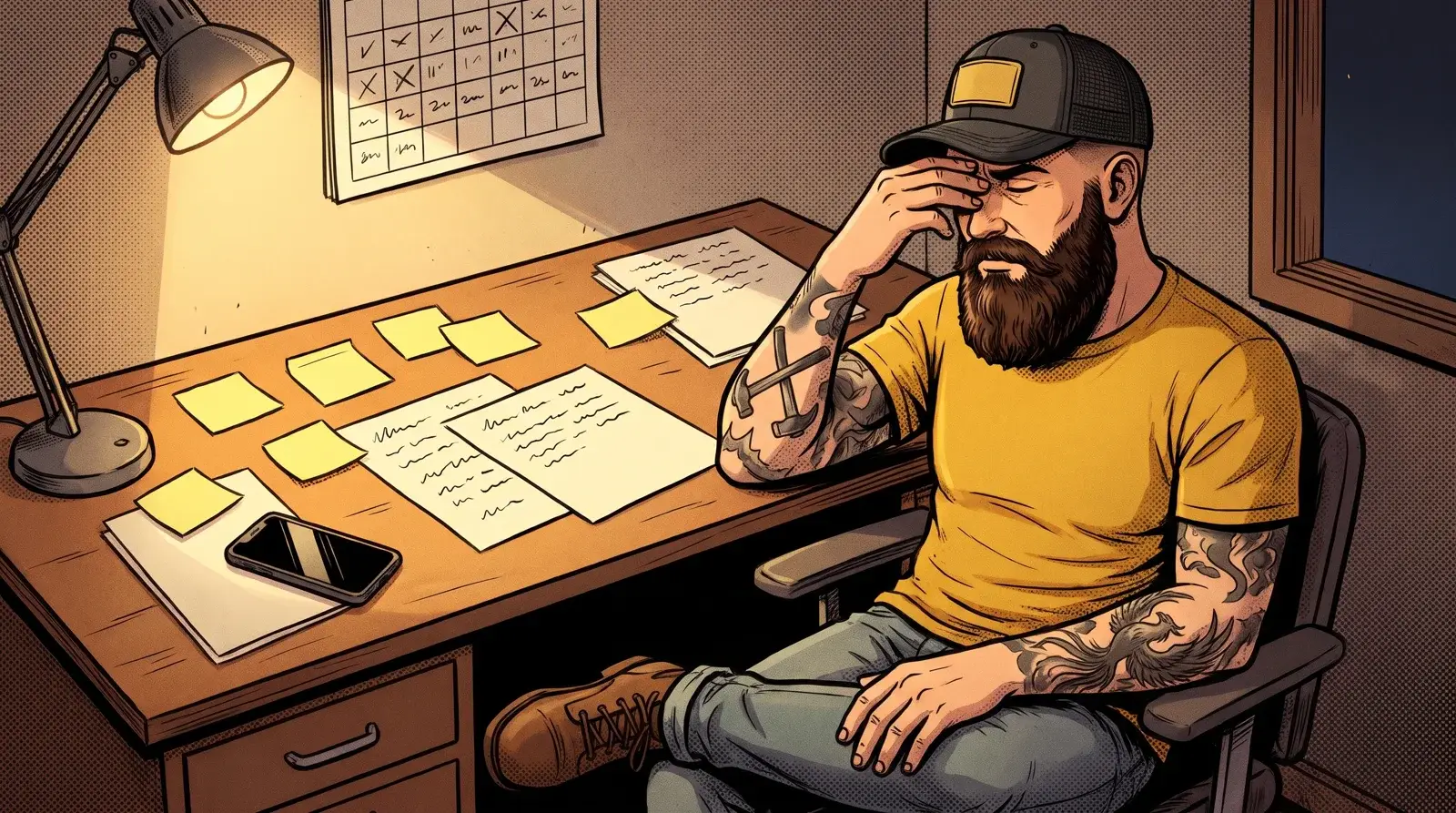
Here is the trap. A trade owner buys a CRM, loads the customer list, builds a pipeline with nice stage names, and then goes back to work. Two months later nobody has moved a card. The software is full and nothing is happening.
We saw it in this company’s own setup. It had a pipeline built for customers who might leave: five stages, from new customer to at risk to win back. Every stage had zero customers in it. Nothing fed it. The stages were right. The data to fill them was sitting in the invoicing software the whole time. Nobody was going to drag cards around by hand after ten hours on a mower.
The other thing we found: the customer status field in their software was wrong in both directions. Customers marked active had stopped paying. Customers marked as leads were paying every week. The invoices were the truth. Your CRM has to read what actually happened (a quote opened, an invoice paid, a card declined), not what someone typed into a status box last spring.
So the test for any CRM is simple. Turn your back on it for a week. Did it do anything?
Job 1: Tell you which quotes to chase, and when
This company sent 209 residential estimates in 180 days. Here is what those quotes did:
- Customers who opened the estimate said yes 56% of the time. Customers who never opened it said yes 16% of the time.
- Half of the yeses came in under 3 days (the median was 2.9 days).
- 90% of the yeses came by day 16.
- Bigger jobs were harder to close. Under $5,000, 31 to 34% said no. Between $5,000 and $15,000, 47% said no. Over $15,000, 73% said no, and 7 of the 8 big jobs they lost were people who had never hired them before.
Most owners run quote follow-up from memory. The quote goes out, the week fills up, and the call happens if you think of it between jobs. Meanwhile their estimating software sent its own email on day 10 telling the customer the quote had concluded. Every late decider got told the door was closed.
A CRM doing its job sees the quote get opened and puts a call on your phone that hour, for any job big enough to be worth a call. It resends unopened quotes by text. It sends the day 3, 7 and 14 follow-ups by itself and stops the second the customer replies. We wrote up the full schedule in how to follow up with prospects.
Job 2: Catch the customer before they leave
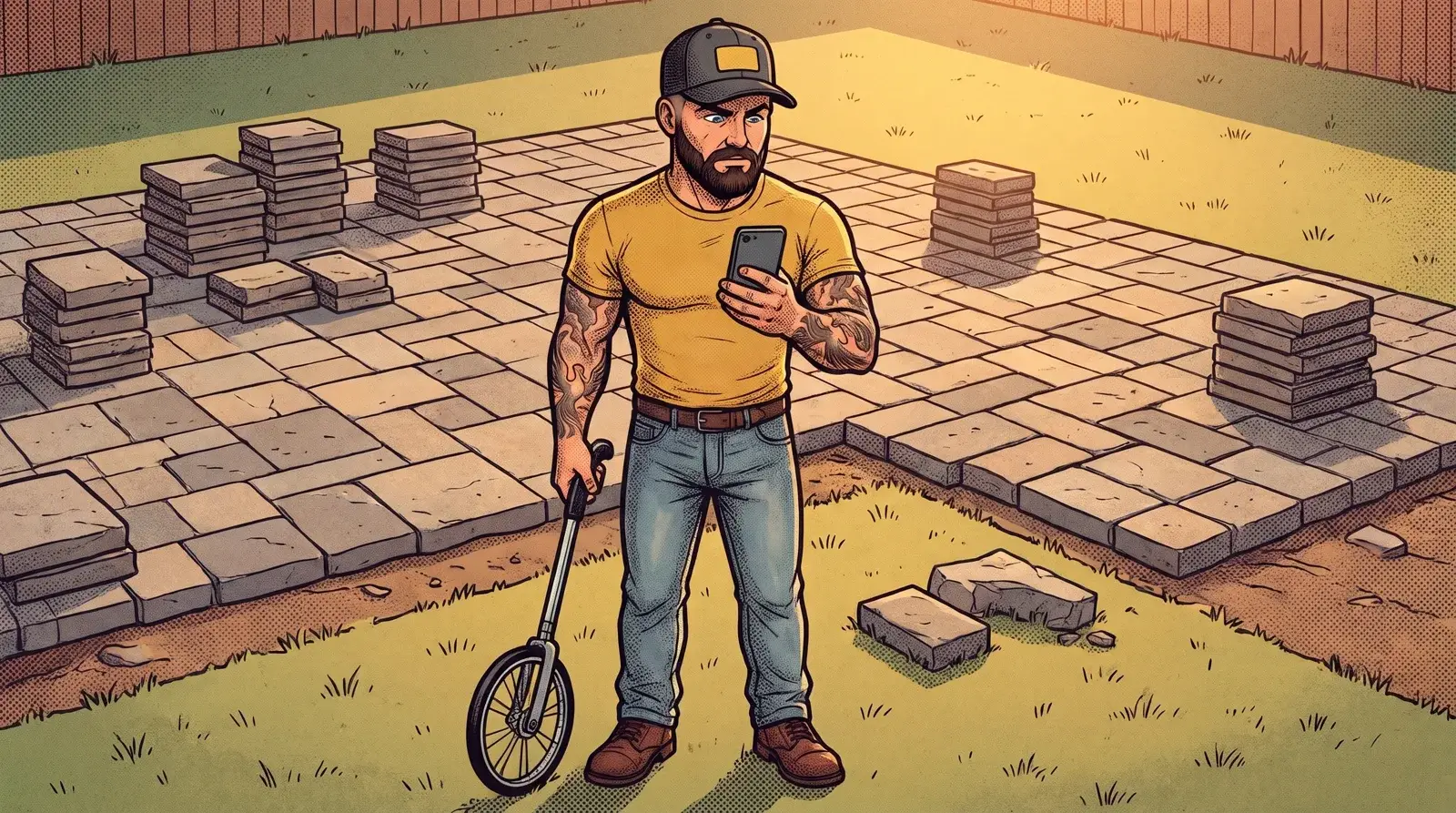
84 residential customers stopped buying from this company. Most owners would guess they left at the end of the season. 35 did. 47 stopped in the middle of the season, and 27 of those stopped in April and May.
Those are two different problems. A customer who stops in December just never got asked to sign up again. A customer who stops in May left for a reason: the price, a missed visit, a crew they did not like, a cheaper guy on the street. That customer needs a phone call, not a coupon.
The manual way is to notice. Most guys notice when a regular has not been on the schedule for a while, usually about a month after it would have helped. A CRM wired to the invoices does the noticing. A weekly customer with no visit in three weeks during the season becomes a call task for the owner or the office. A spring customer who has not booked by the end of April gets flagged before the season gets away. The software finds them. A person makes the call.
Job 3: Find the money that bounced
Most contractors think their payment leak is customers who never pay the invoice. In this company, 847 of 864 invoices were paid, and 122 of 126 customers on a plan were on autopay. Collections were fine.
The leak was failed cards. Over two months there were 164 failed charge attempts out of nearly 800 tries. That sounds like a disaster until you look closer: it was only 21 invoices, retried over and over. One invoice was retried 22 times on a card that was never going to work. Nobody called that customer. The software just kept trying the same dead card.
A good CRM treats a declined card as a person to contact, not a charge to retry. The first decline sends the customer a text with a link to update the card. If it is still open after the due date, it lands on someone’s call list. That is a two minute call that keeps a paying customer on the books.
Job 4: Ask for the review, and ask it right
This company sat at 27 Google reviews and a 4.3 rating. The competitors beating them in the map results had as few as 2 reviews, but every one of them was rated 4.7 to 5.0. Rating was the gap, not review count.
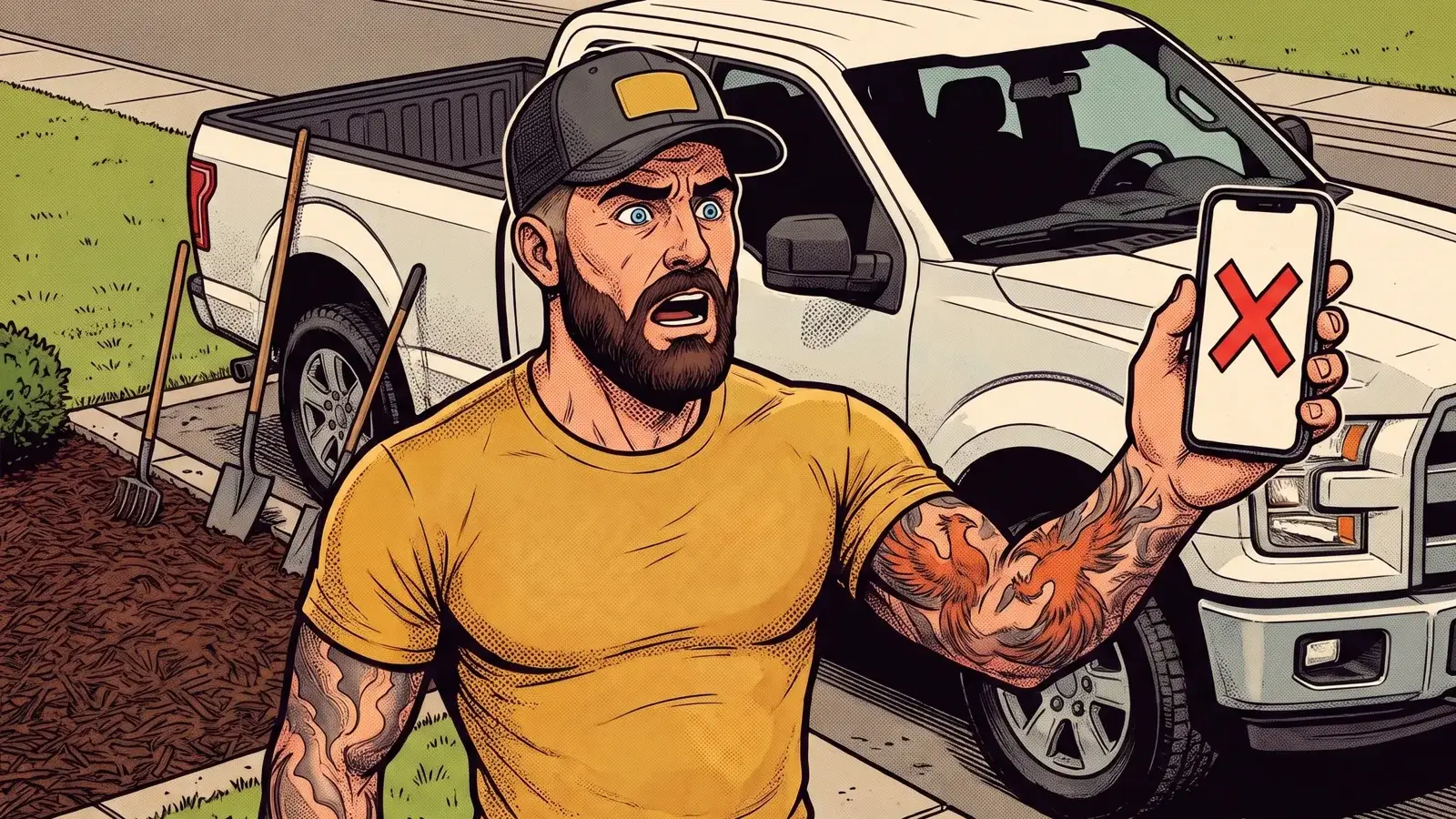
Their first review request went to 120 customers and got 3 reviews. That is about 2.5%. A weak ask gets ignored, no matter how good the work was.
Most owners ask for reviews when they remember, which is almost never, or they ask everyone at once in a batch email months after the job. The fix is to let the CRM ask at the moment the customer is happiest: the day the job is marked done, by text, from the company’s real number, with one tap to the review page. Check in first. A customer who says something went wrong gets a call from the owner instead of a review link. We covered the full setup in how contractors get more Google reviews on autopilot.

What to skip when you shop for CRM software for trades
Most CRMs are built for sales teams with ten reps on a phone floor. A three truck crew does not need most of it. Skip:
- Lead scoring. You know a good lead when you see it. The CRM’s job is to make sure you see it fast.
- Twenty pipeline stages. Quote sent, opened, follow up, won, lost. That is enough.
- Anything that needs you to update it by hand every day. If it only works when you remember to drag a card, it will stop working by June.
- A second place to keep the schedule. If you already run jobs and invoices in your field software, the CRM should read from it, not replace it.
What you do need: text and email from your real business number, missed call text back, quote tracking with open alerts, follow-ups that stop on a reply, a declined card alert, and a review ask tied to job complete. If a CRM cannot do those six things, it is a contact list with a monthly bill.
Quick answers
What is the best CRM software for trades?
The one that does work while you are on the job. Look for text from your real business number, quote open alerts, follow-ups that stop on a reply, declined card alerts and a review ask when the job is marked done. Brand matters less than whether those are actually turned on and fed by your real job and invoice data.
Do small contractors really need a CRM?
If you send more than a few quotes a week, yes. In the 209 quotes we looked at, an opened quote closed 56% of the time and an unopened one 16%. Without something tracking that, you cannot tell which customer to call today.
Can my field service software replace a CRM?
Usually it handles scheduling and invoicing well and follow-up badly. The company we studied had software that sent a “quote concluded” email on day 10, while 10% of their yeses came after day 16. Keep your field software for the jobs and let the CRM handle the chasing.
How long does a CRM take to pay off?
It depends on your quote volume and job size, so we will not hand you a made-up number. The fastest wins we see are the ones above: calling opened quotes the same day, catching declined cards, and asking for reviews the day the job is done.
Get the CRM that does the work for you
You do not need another app to update at night. You need the follow-ups, the card alerts, the at-risk calls and the review asks to happen while you are on the job. That is what we build: wired to the quote and invoice software you already use, with the owner doing the one thing a machine cannot, which is picking up the phone and talking to the customer. If you want to see it running on your own quotes, apply to become a partner.